
Award Summary and related attachments in Coeus Lite
Getting an ORCID ID
- Visit and select “Sign In/Register” link on the top right of the page

- Select “Register Now” link

- Complete the form with your information; Primary email-NU, Additional email-personal


- ORCID will try and match your name with an existing profile; if you already have an ORCID iD, you do not need a new one; if you do not, select “None of these are me, continue with registration.”

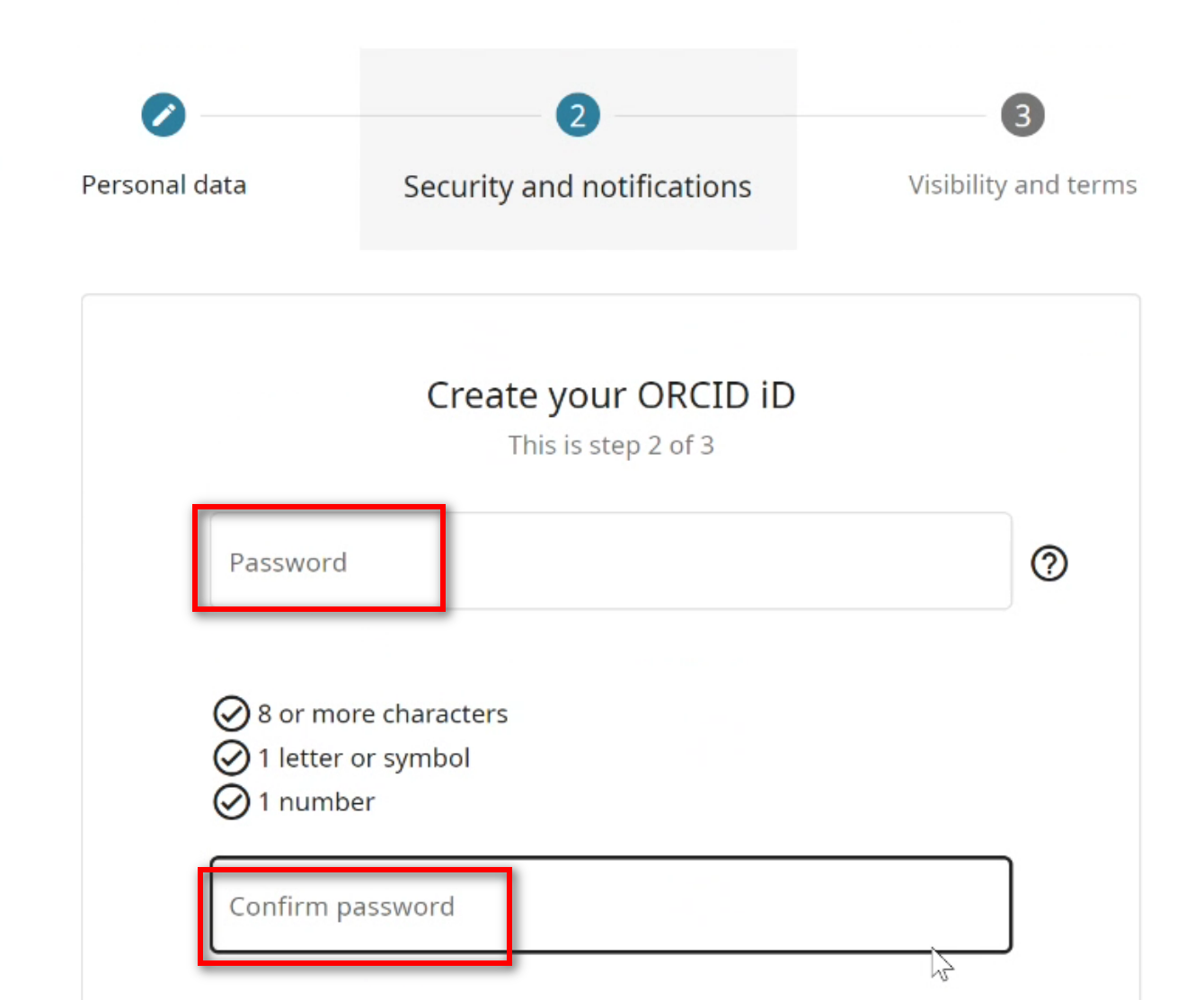
- Create a password, enter it in the fields, and select NEXT

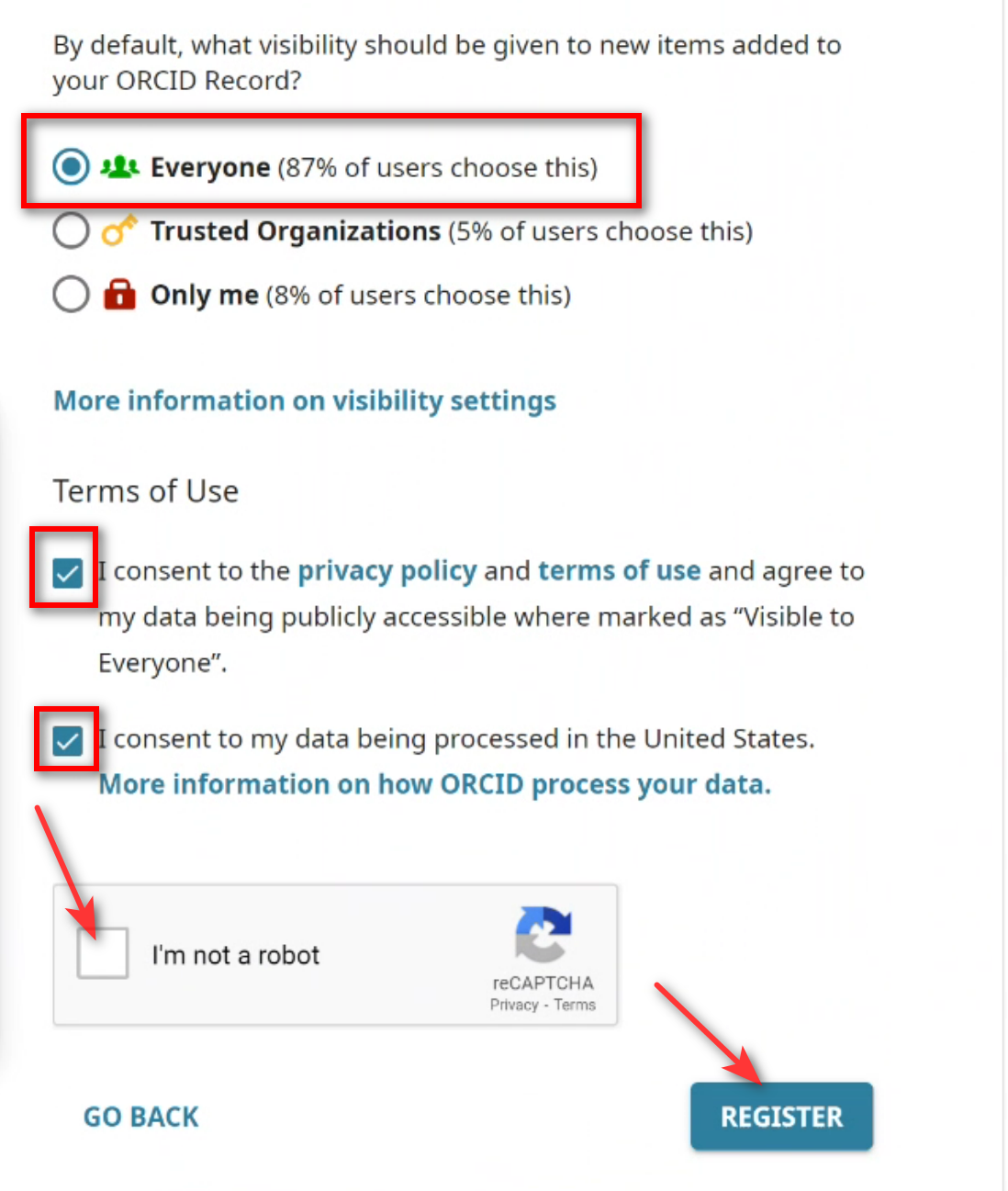
- Select your profiles visibility…by selecting “Everyone,” your profile and works will be visible to other collaborators…you can change this at any time:
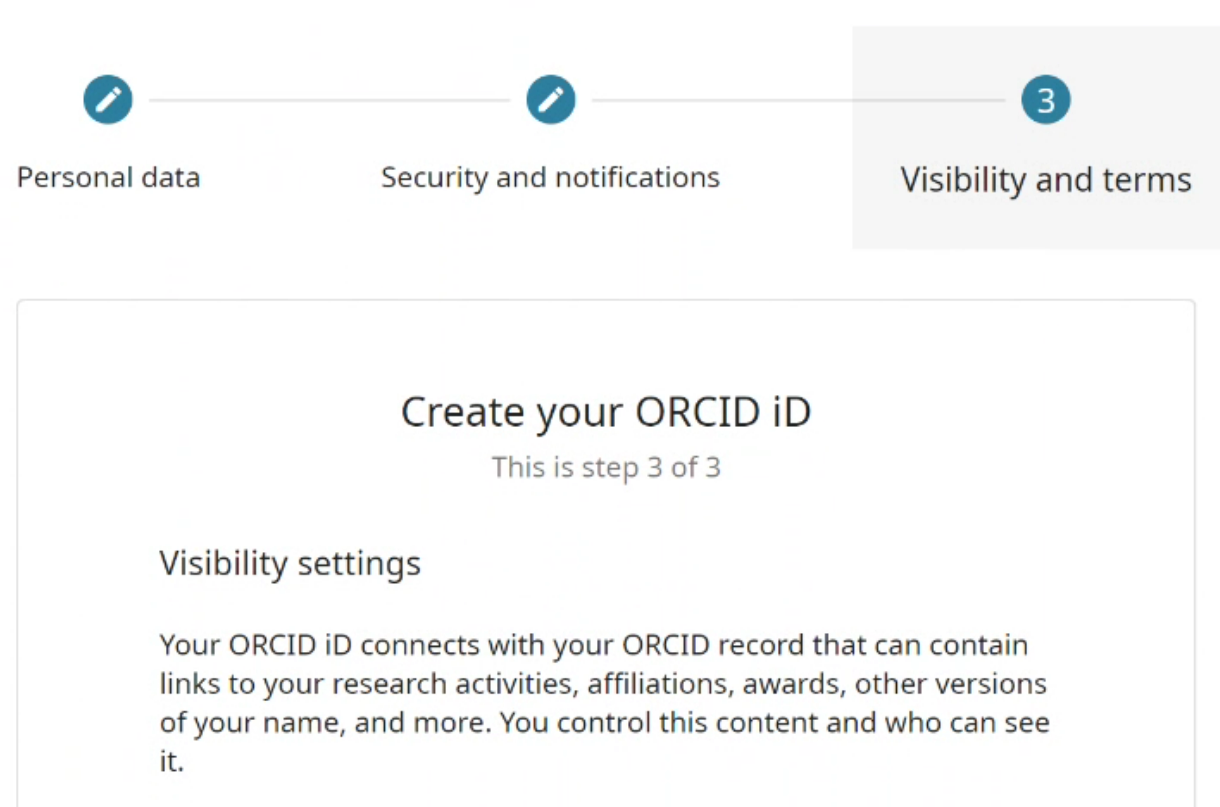
- Select visibility, terms of use, “I’m not a robot,” and Register
- An email confirmation will be sent to the address specified in the first step
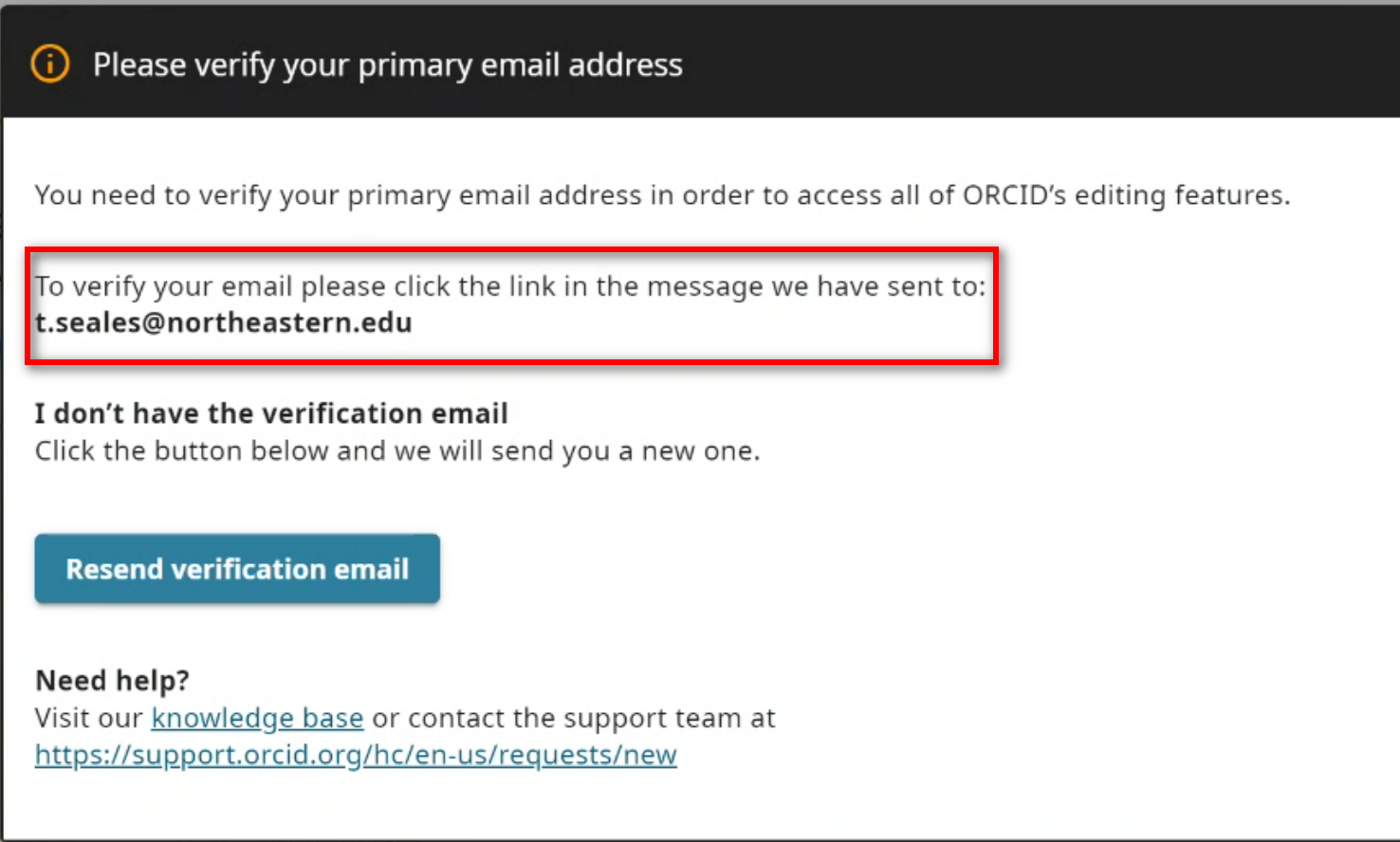

- Once your email address is verified, your ORCID iD is created

Adding works
- in many ways:
- Add works by – import links to your publications and other works to your ORCID record from other databases (e.g. PubMed, OSTI.gov, etc.)
- This is the recommended process because it reduces or eliminates errors, and enables a reliable connection between your ORCID iD and your works
- Add works using (e.g. DOI, ISBN, URL, ARK, or other resolvable identifier)
- Importing works from a
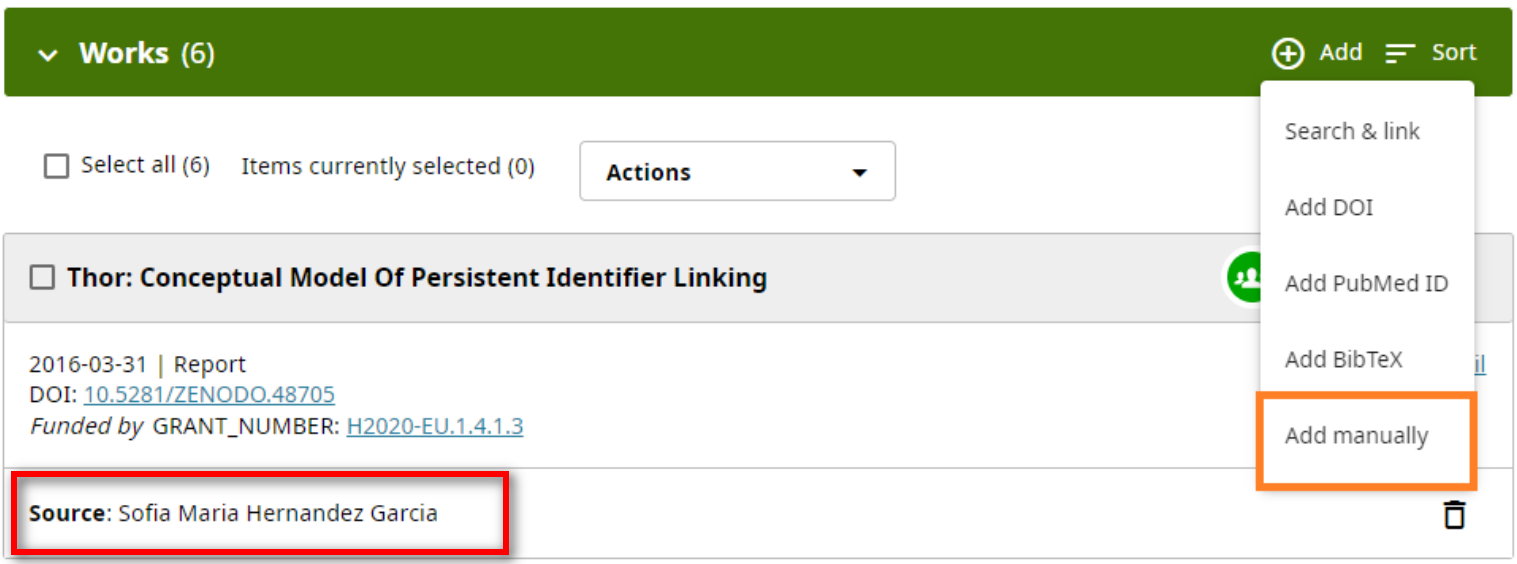
- Add works
- As works are added to your profile, ORCID will indicate the source of the information:
Last Updated on December 18, 2024